 Skip to content

Your access has been suspended because this profile doesn’t follow the guidelines – Google Business Profile
 Gianluca Catinella, Director, Ad Restore LtdPublished on 8 min read
Your access has been suspended because this profile doesn’t follow the guidelines. Edit your business info, and learn how to regain access.
Business owners paste this from their profile. Google’s Help Center shows a version with the account’s email in it: “Access to your business profile for [your email] has been suspended because it doesn’t follow the guidelines.”
This notice means Google thinks something about your Business Profile breaks its guidelines, and has suspended your access to it. Google says it may suspend or disable Business Profiles that don’t follow its guidelines, and that if you believe your profile should be reinstated, you can submit an appeal.
Google also says that if your business is suspended, you’ll get a notification in the Google Account you use to manage the profile. Owners have posted this wording in Google Business Profile Community threads since 2021, and as recently as February 2026. Some see it in Google’s Help Center, with their email address in it. Others get an email: one owner said theirs gave the violation type as “Content that violates our policies on deceptive content and behavior isn’t allowed”, and another that their profile had been suspended due to a policy violation.
Checked against Google’s Business Profile help pages on 22 September 2026. Google changes them without notice, so check the linked page before relying on a detail.
At a glance
Two different fixes
A suspended profile is appealed in Google’s appeals tool; a restricted Google Account, on your My accounts page first.
Fix it first
Google says to make sure the profile follows all the guidelines before you appeal.
60 minutes for evidence
Google gives you 60 minutes to submit evidence, so have your documents ready before you appeal.
Fake reviews count
Paid, incentivised or multi-account reviews break Google’s policy.
More straightforward, in our view
Our director sees Business Profile suspensions as more straightforward than Google Ads suspensions. His view, not a promise.
On this page8 sections
Suspended, disabled or restricted
Google’s pages use several words, and they lead to different fixes.
- A suspended or disabled profile. You appeal it in Google’s Business Profile appeals tool.
- A restricted Google Account. If an owner displays a pattern of violating Google Business Profile policies, their access can be restricted. Then all Business Profiles associated with that account will be suspended, and you won’t be able to create or claim other profiles.
- An account from another Google product. If you created the profile from an account used for another Google product and that account is restricted, the Business Profile may be suspended. That account must be reinstated before reinstating the profile.
None of the Google help pages we checked uses the “hard” and “soft” suspension labels you’ll see elsewhere. Google’s page on finding your business says a profile that breaks the guidelines becomes disabled or suspended and won’t show to other users on Google until you resolve the issue, and when Google removes a profile, the public can’t go to the profile. Owners’ reports vary: one found their business was no longer showing on Google after the suspension email, while another said their suspended listing was still visible on Google Search and Maps, with no reviews and only basic information.
What triggers it
The notice doesn’t name the guideline. Google’s pages name some of the causes:
- Unnecessary information in the business name, which Google says could result in suspension.
- A PO Box address.
- A business that doesn’t exist in the location you claim. Google says it will disable that profile.
- A business that isn’t eligible. To qualify, a business must make in-person contact with customers during its stated hours. Google’s examples of businesses that aren’t eligible include lead generation companies and online-only businesses.
In our experience, people sometimes appeal without fixing the underlying issue. That can be the website, or reviews that were fabricated and then picked up by Google’s systems. Google’s guidelines cover the website too: your business name should be your real-world name, as used consistently on your shopfront, website, stationery and as known to customers, and a website you give should represent your individual business location.
Fake reviews: deal with them, don’t hide them
Google is clear. Its Fake Engagement policy doesn’t allow reviews or ratings that have been paid for, directly or in kind, or content that has been posted from multiple accounts by or at the request of one person. Businesses may not offer incentives, such as payment, discounts or free goods or services, for posting a review or for changing or removing a negative one. Nor may they selectively solicit positive reviews. Staff and family count too: Google lists current or former employment and family ties as conflicts of interest.
When Google finds a breach, it removes the reviews and might place restrictions on the profile, such as no new reviews for a set period, existing reviews unpublished for a set period, or a warning to customers that fake reviews were removed. It says it will notify business owners via email if it plans to restrict their profile.
In our experience, if reviews were fabricated, you have to say which ones. Our advice: the honest route is to stop whatever produced them and be open with Google about it. Don’t try to bury them under more reviews that are paid for, incentivised or selectively requested: that breaks Google’s policy again. What Google does allow is asking real customers for reviews, without offering incentives to do so or trying to influence what they write.
What Google asks you to do
Google’s route back is an appeal. Its help page sets out the order:
Fix the profile first.
Prepare your evidence.
Google lists official business registration, a business licence, tax certificates and utility bills for the business, and says to check that the business name and address match the profile. It calls evidence optional, but highly recommends sending it.
Open the appeals tool.
Sign in with the Google Account related to the profile and select it. The tool shows the reason for the moderation action and a link to the policy.
Submit the appeal, then the evidence.
Once you open the evidence form, you must submit it within 60 minutes or it won’t be attached. Another Google page counts the 60 minutes from submitting your appeal, so have the documents ready before you start.
Wait for Google’s email.
Google will send you an email with a decision. Its page on appealing profile restrictions says appeal reviews and decisions can take up to five working days. Don’t send another appeal for the same issue meanwhile.
If your Google Account is restricted, appeal the account on your My accounts page first, then the profile once the restriction is lifted.
Can it be fixed?
We take Business Profile cases, through our Google Business Profile suspension service. In our experience, the way forward depends on the type of suspension. Our director, Gianluca Catinella, sees Business Profile suspensions as more straightforward than Google Ads suspensions. That’s his view, not a promise: only Google decides whether a profile is reinstated.
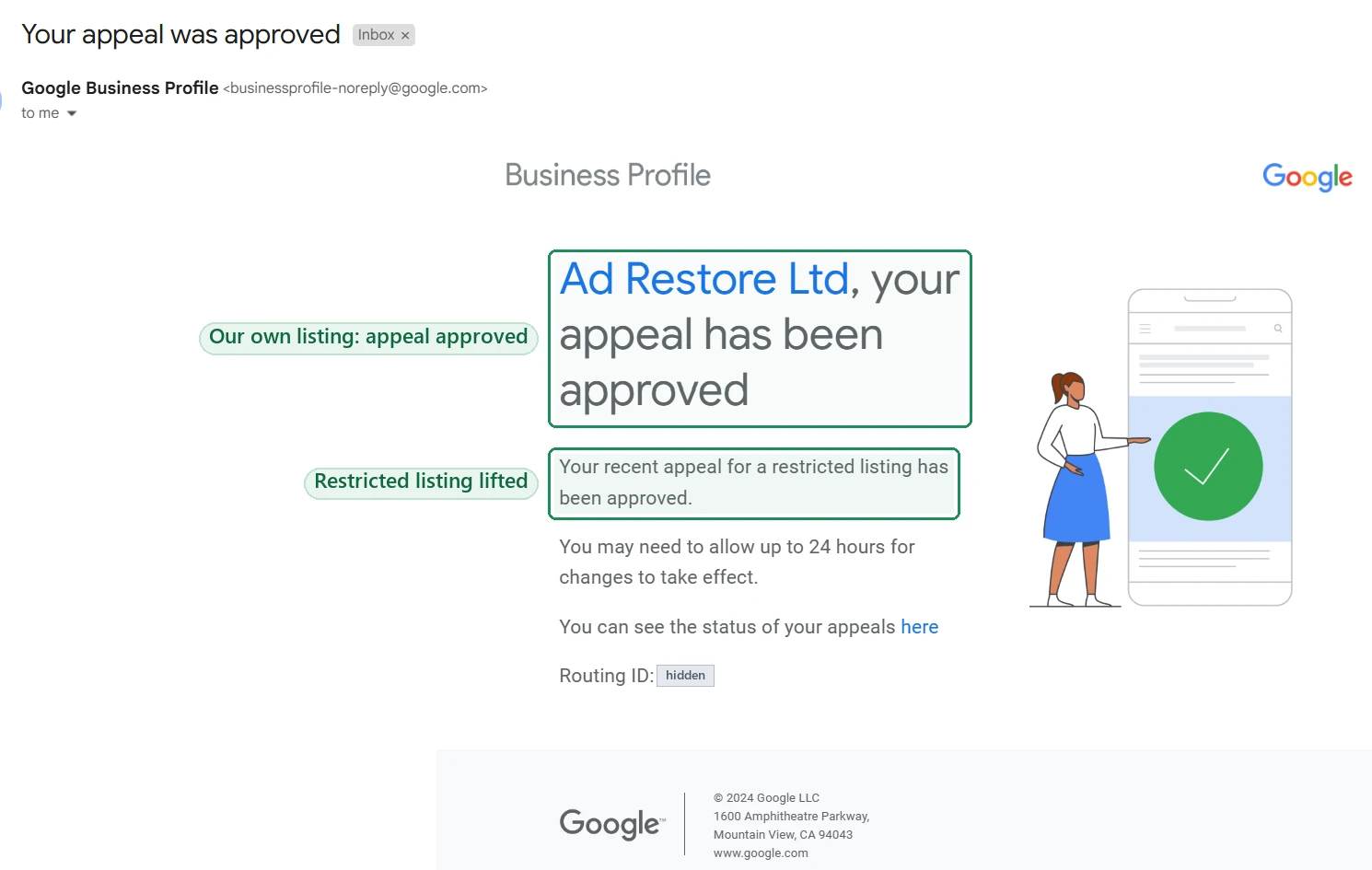
We’ve been through it ourselves. In October 2024 Google approved the appeal on Ad Restore Ltd’s own restricted listing:
Our guide to why Google Ads appeals get rejected is about a different product, but makes the same point: find the exact breach and fix it before you file. Worried about your ads while the profile is suspended? Read whether a Business Profile suspension affects Google Ads.
Don’t create a new Business Profile to get round this.
Google says: “Do not create a new Business Profile for the same business while your appeal is under review.” Its guidelines say there should only be one profile per business, and a restricted account won’t be able to create or claim other profiles.
The appeal route
- Profile suspended or disabled? The appeals tool, ideally with evidence.
- Google Account restricted? Your My accounts page first, then the profile.
- Reviews restricted for fake engagement? Google says businesses can appeal its decision, and it will re-review the profile and any additional context you give.
- Appeal not approved? Google may be able to do an additional review, and you can add evidence that wasn’t in your first appeal.
Frequently asked questions
Why doesn’t Google tell me which rule I broke?
The notice doesn’t, but Google says the appeals tool shows the reason for the moderation action and a link to the violated policy. One owner said their suspension email also named the violation type.
I’ve edited my business info. Why is it still suspended?
Google’s help page doesn’t say that edits alone lift a suspension. Its route back is an appeal: fix the profile, then submit an appeal in the appeals tool.
The appeals tool says there’s nothing to appeal. What now?
Google says the tool might tell you there’s no moderated content or restricted access to appeal. If you believe there is, it says to contact Google, whose team can confirm whether you’re eligible. Also check whether the restriction is on your Google Account, which is appealed on your My accounts page.
How long does an appeal take?
Google’s page on appealing profile restrictions says appeal reviews and decisions can take up to five working days. It also says not to submit multiple appeals for the same issue before you get a decision.
Some of our reviews weren’t genuine. Can we still appeal?
Google says businesses can appeal a fake-review restriction, and it will re-review the profile with any context you give. In our experience, you have to say which reviews were fabricated. Don’t hide them or add more: paid, incentivised and multi-account reviews all break Google’s Fake Engagement policy.














